Tasking
Open Cosmos provides a satellite tasking service to acquire images from the Open Constellation and third-party satellites. DataCosmos includes a tasking tool where you submit requests to task satellite instruments and follow them through to delivery. Details about how requests progress are on the service description page. The tasking tool allows you to:
- Create Tasking Requests over one or more areas of interest.
- Search for Opportunities in which a satellite has visibility over a specified area of interest, up to 3 months into the future.
- Task multiple satellites and instruments in a single request.
- Filter instruments by data type and GSD.
- View the status of existing tasking requests.
- Make updates to existing tasking requests.
- View data products for successful activities.
How a request becomes an image
Every tasking mode works with the same building blocks. Knowing them makes the differences between modes easier to follow.
- Area of interest. You draw or upload the polygon you want imaged. See Creating requests.
- Opportunity. Each time a satellite flies within reach of the area is an opportunity. The satellite can roll left or right, so on each pass it can capture any strip inside a wider band called the field of regard.
- Swath. The strip actually captured on a pass is the swath. It is narrower than the field of regard, so a single pass rarely covers a large area on its own.
- Activity. A swath, together with its satellite, instrument and timing, is an activity. A tasking request is fulfilled by one or more activities.
The modes below differ in one main thing: who decides which swaths to capture, and how often.
Tasking modes
Scene tasking
- Area of interest
- Field of regard
- Swath while you position it
- Confirmed and captured swath
You are in control of every activity. You search for opportunities in a time window, pick the passes you want, then position each swath inside the field of regard with the roll angle slider while the tool shows live coverage, viewing angle and cloud forecast. Once you confirm the swaths, Open Cosmos reviews each activity before scheduling it.
- You decide: which passes to use, and the exact swath position and timing for each one.
- Best for: a specific image at a specific time or angle, or when you want to see exactly what you are buying before you buy it.
- Keep in mind: requests can be placed up to one week ahead, and you may need several swaths to cover a large area.
- Pricing and billing: priced on total swath area, satellite, product and priority. The amount is shown when you submit and charged when each activity is confirmed. Activities can be edited until they are confirmed.
Read the step by step guide on the Scene Tasking page.
Coverage tasking
- Area of interest
- Swath being captured
- Delivered image, cropped to the area
You describe the outcome and Open Cosmos plans the activities. You set the area of interest, an acquisition window, the satellites to consider, and optional constraints such as sun angle, viewing angle or cloud cover. A feasibility check confirms the request can be met, and an optimisation system then chooses the set of swaths that covers the area with the fewest activities. Open Cosmos reviews the plan before it is scheduled, and keeps adjusting it as the acquisition date approaches.
- You decide: the area, the window, the satellites and the constraints. The default objective is full coverage of the area.
- Best for: covering an area once with minimum effort, especially large areas that need several swaths.
- Keep in mind: the window can extend up to 3 months ahead, but the optimiser plans within 10 days of the current date and updates the plan as time goes by. Activities appear in the request as they are scheduled.
- Pricing and billing: priced on the area of interest, satellite, product, priority and constraints. Payment is collected when you place the request.
Read the step by step guide on the Coverage Tasking page.
Persistent tasking
- Area of interest
- Opportunity being assessed
- Swath being captured
- Recent image
- Older image
Persistent tasking is coverage tasking with a different goal. Instead of covering the area with the fewest activities, the optimisation system schedules as many activities as possible over the acquisition window, as long as each one meets your constraints. Passes that fail a constraint, for example a cloud cover limit, are skipped.
- You decide: the area, a mandatory acquisition window, the satellites and the constraints (acquisition date, sun angle, viewing angle, roll angle and cloud cover).
- Best for: frequent revisits of the same area, such as monitoring, change detection or building a time series.
- Keep in mind: persistent requests are always one-off. The final request status is decided when the window closes, based on how many activities were delivered.
- Pricing and billing: a price estimate is shown before you submit, with an estimated total and a per-month breakdown. Payment is taken when you continue to payment.
Read the step by step guide on the Persistent Tasking page.
Recurrent coverage tasking
- Area of interest
- Parent and child requests
- Swath being captured
- Delivered image, cropped to the area
Recurrent coverage tasking repeats a coverage request on a schedule. You create a parent request that holds the template: the area of interest, constraints, objectives and a frequency (weekly to yearly). The parent never gets activities of its own. Instead, the tasking system creates a child request for each period, one week before it is due, and each child then runs as a normal coverage request.
- You decide: everything a coverage request needs, plus the frequency and the maximum number of child requests.
- Best for: the same coverage delivered again and again, for example a monthly picture of a site.
- Keep in mind: children appear under the parent in the requests list, and each one has its own lifecycle and status.
- Pricing and billing: your organisation's default payment method is validated when the parent is created, but nothing is charged then. Each child request is charged when it is created.
Read the step by step guide on the Recurrent Coverage Tasking page.
Choosing a mode
- You need one particular image, at a time and angle you choose: Scene.
- You need an area covered once, with the least effort: Coverage.
- You need as many images as possible of an area over a period: Persistent.
- You need the same coverage repeated on a schedule: Recurrent coverage.
| Feature | Scene | Coverage | Persistent | Recurrent coverage |
|---|---|---|---|---|
| Who selects the swaths | You | Open Cosmos optimiser | Open Cosmos optimiser | Open Cosmos optimiser, per child request |
| Planning goal | The swaths you confirm | Cover the area with the fewest activities | Capture every valid pass in the window | Same as Coverage, repeated each period |
| What you define | Area, window, filters, each swath | Area, window, satellites, constraints, objectives | Area, mandatory window, satellites, constraints | Same as Coverage, plus frequency and number of children |
| Feasibility check | No | Yes, before payment | Yes, before payment | Yes, for each child |
| Pricing basis | Total swath area, satellite, product, priority | Area of interest, satellite, product, priority, constraints | Estimated number of passes in the window, shown as total and per month | As Coverage, per child |
| When you pay | On confirmation of each activity | When the request is placed | When the request is placed | When each child request is created |
| Changes after submission | Activities editable until confirmed | Not applicable | Not applicable | Not applicable |
| Recurrence | Not available | Available (see Recurrent coverage) | Not available, always one-off | Built in |
| Weather guarantees | No | Planned for the future | No | Planned for the future |
Table 1. Feature comparison between the tasking modes.
Accessing the tool
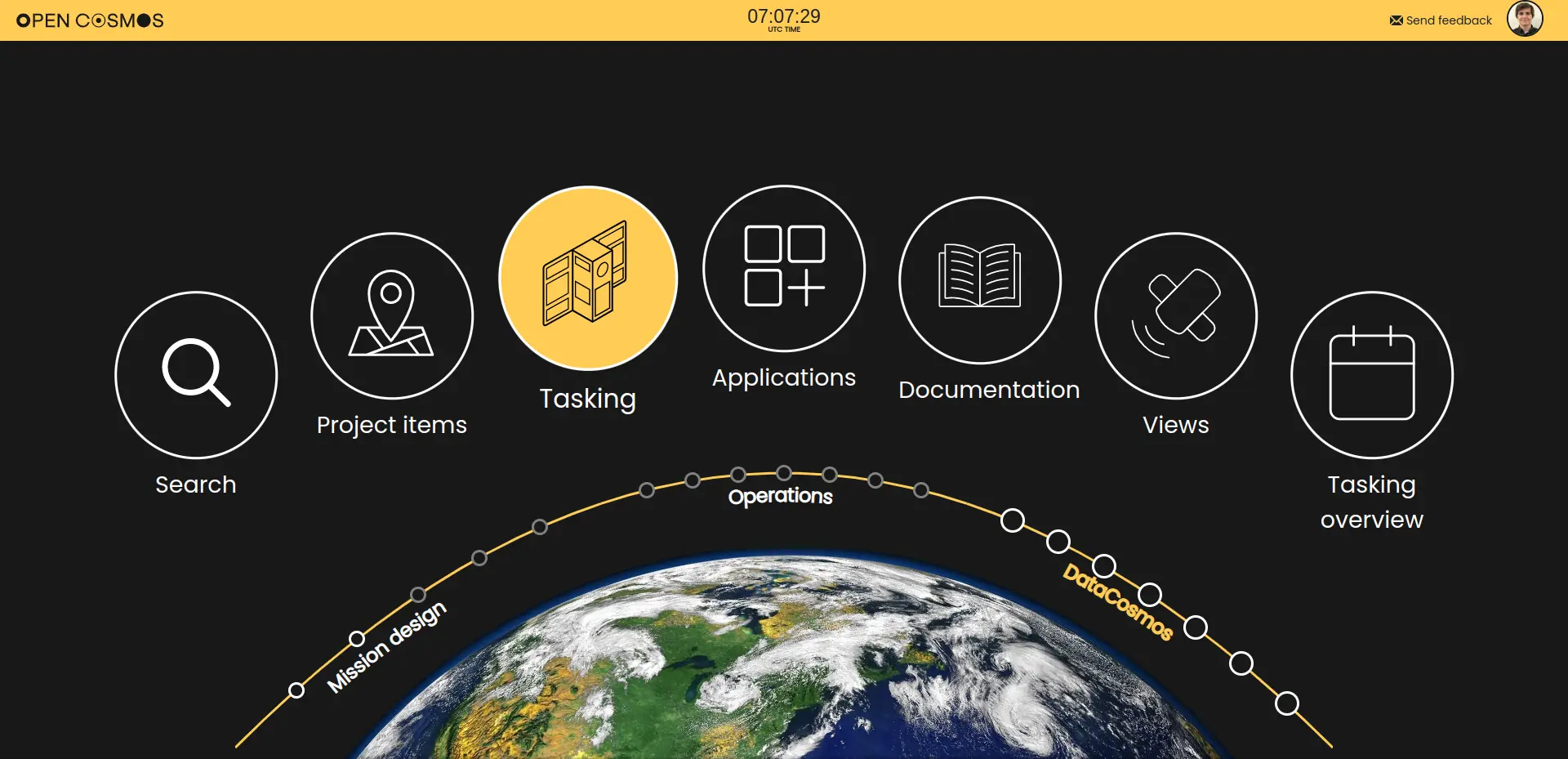
The tasking interface can be accessed from the platform homepage, under DataCosmos:
Weather forecast
Weather forecasts are integrated into the platform to offer features such as cloud cover prediction. In Scene Tasking mode, you can see the cloud cover forecast for the area of interest and request time for each of the available opportunities, and the tool filters out opportunities that exceed the cloud cover limit you set. Once a request has been placed, the cloud cover prediction for each activity is calculated and updated regularly until the time of the acquisition. The same forecasts feed the optimisation system and the operations team when planning Coverage, Persistent and Recurrent coverage requests.
Open Cosmos uses the Open Meteo model that combines weather information from other models (including ECMWF, GFS, CFS, etc), radars, and sensors into a more accurate prediction. Using this model, Open Cosmos is able to estimate the cloud cover of each planned satellite acquisition up to 16 days in advance, with updates at least every 6 hours.
Where to next