Creating tasking requests
Tasking requests capture all the required data for a satellite to perform a payload Activity and process the data products.
There are two different types of tasking available, either Scene or Coverage.
Creating a new request
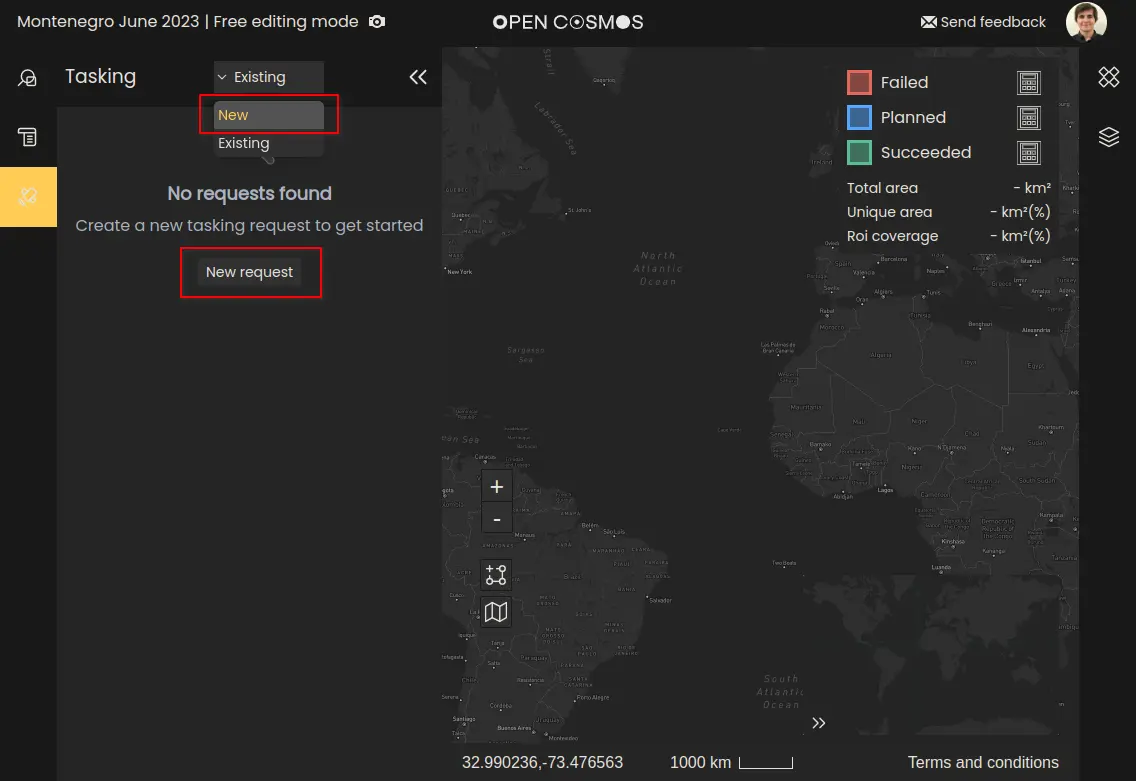
Firstly, create a new tasking request by either clicking the “New request” button or opening the dropdown menu labelled “Existing”, and select “New”:
Whenever a tasking request is created, it will be automatically associated to the user's current Project. More details on creating projects can be found in Creating Projects.
Selecting a region of interest
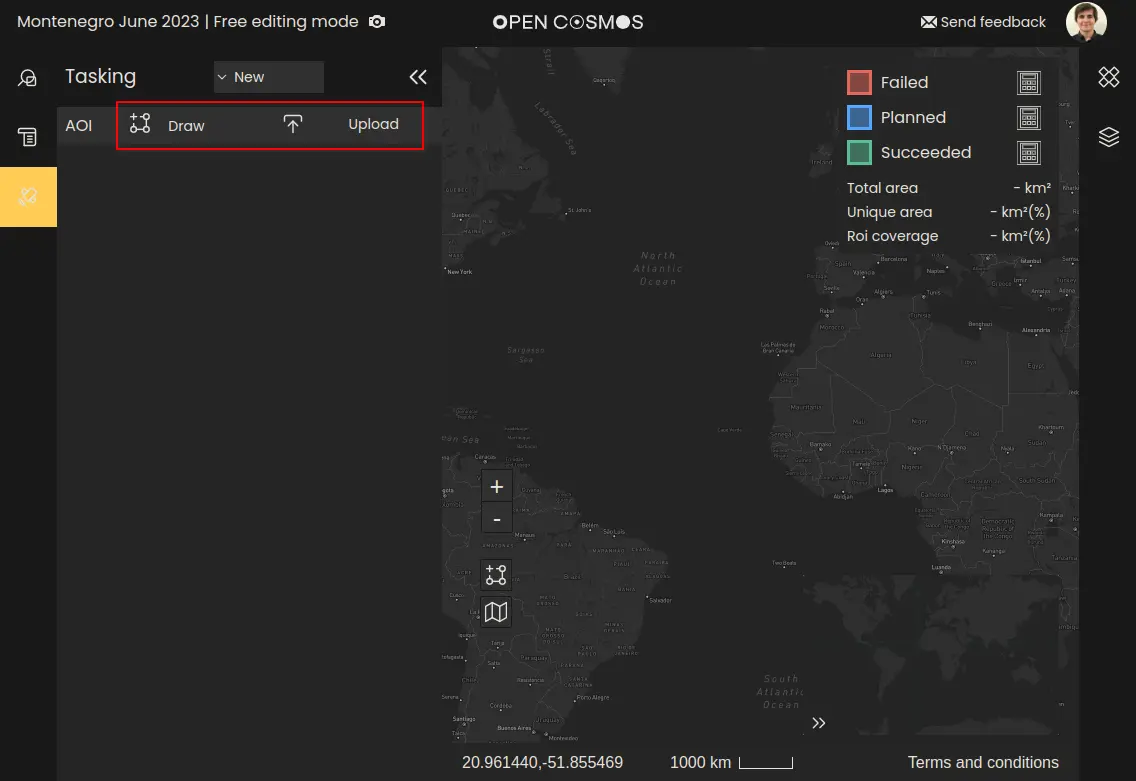
For each type of tasking request, the first thing you need to do is select a region of interest (ROI). This can be done by either manually drawing or uploading a polygon to define your ROI.
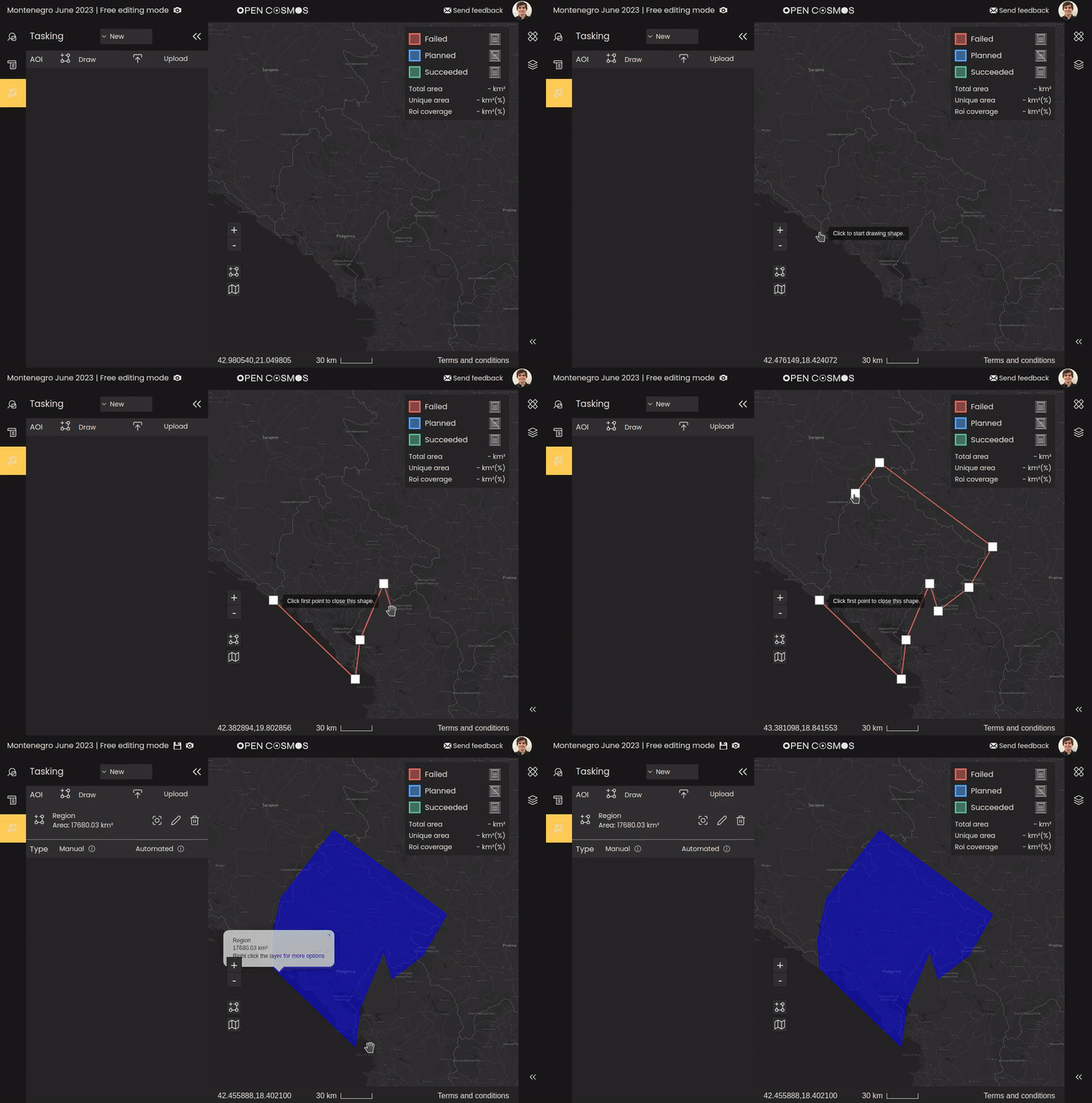
Example of drawing an area of interest:
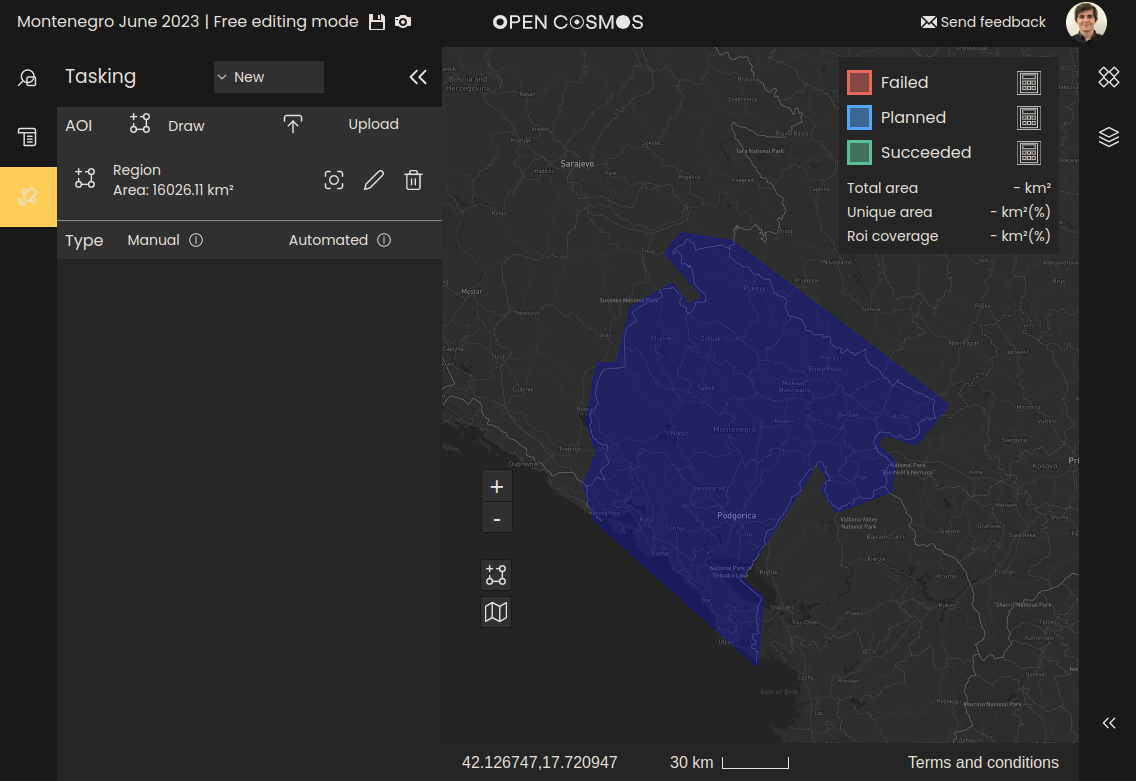
Example of an uploaded ROI. ROIs can be uploaded in either GeoJSON or KML format. Currently only geometries of type “Polygon” are supported:
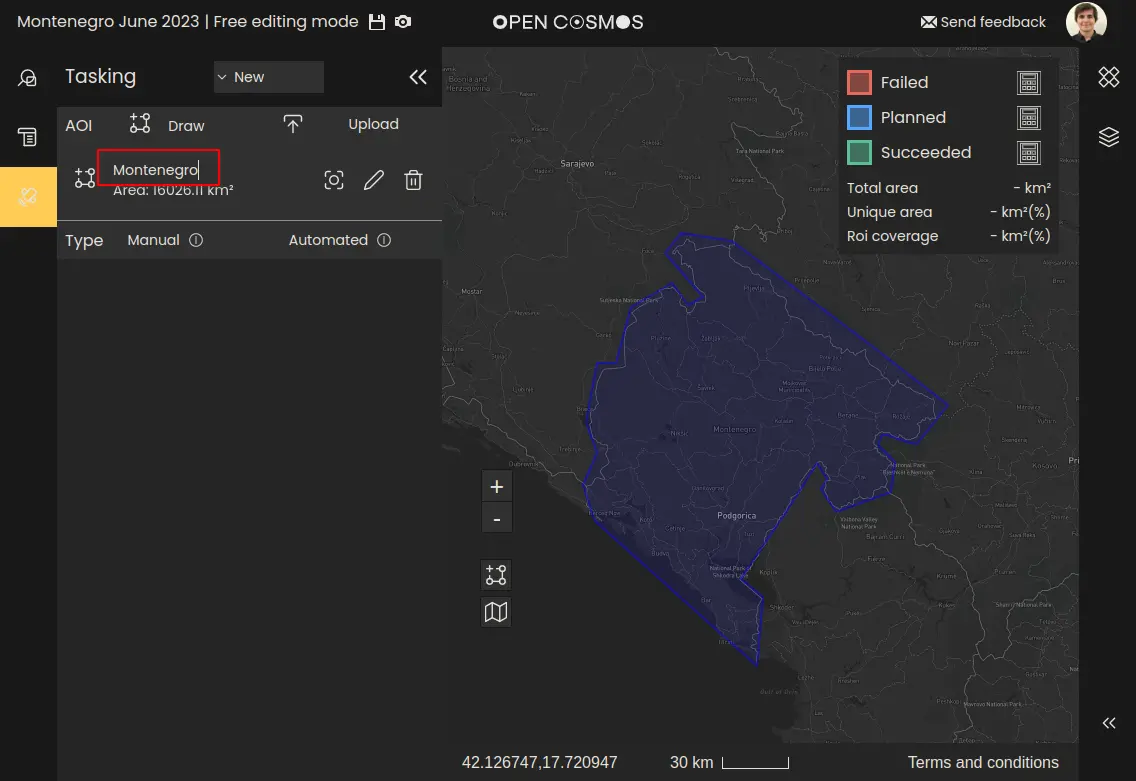
Naming region of interest
Each ROI can be named by editing the “Region” placeholder:
Where to next